Starter sets & templates
- Gratuit
- Depuis la v0.9.0
Load a pre-built plan onto the canvas — matched to a starter set you own, or browsed from the full template gallery with its shopping-list cost.
The fastest way from an empty board to running track is a pre-built plan. Open the dialog from the welcome screen's Build from a starter set (on an empty layout) or from the command palette.
From your starter set
#Pick the boxed set you bought — say a Hornby train set — and the planner shows what you can build with exactly the pieces inside, ready to load onto the canvas in one click. Below that, Buy next suggests the cheapest additional pieces that unlock more plans.
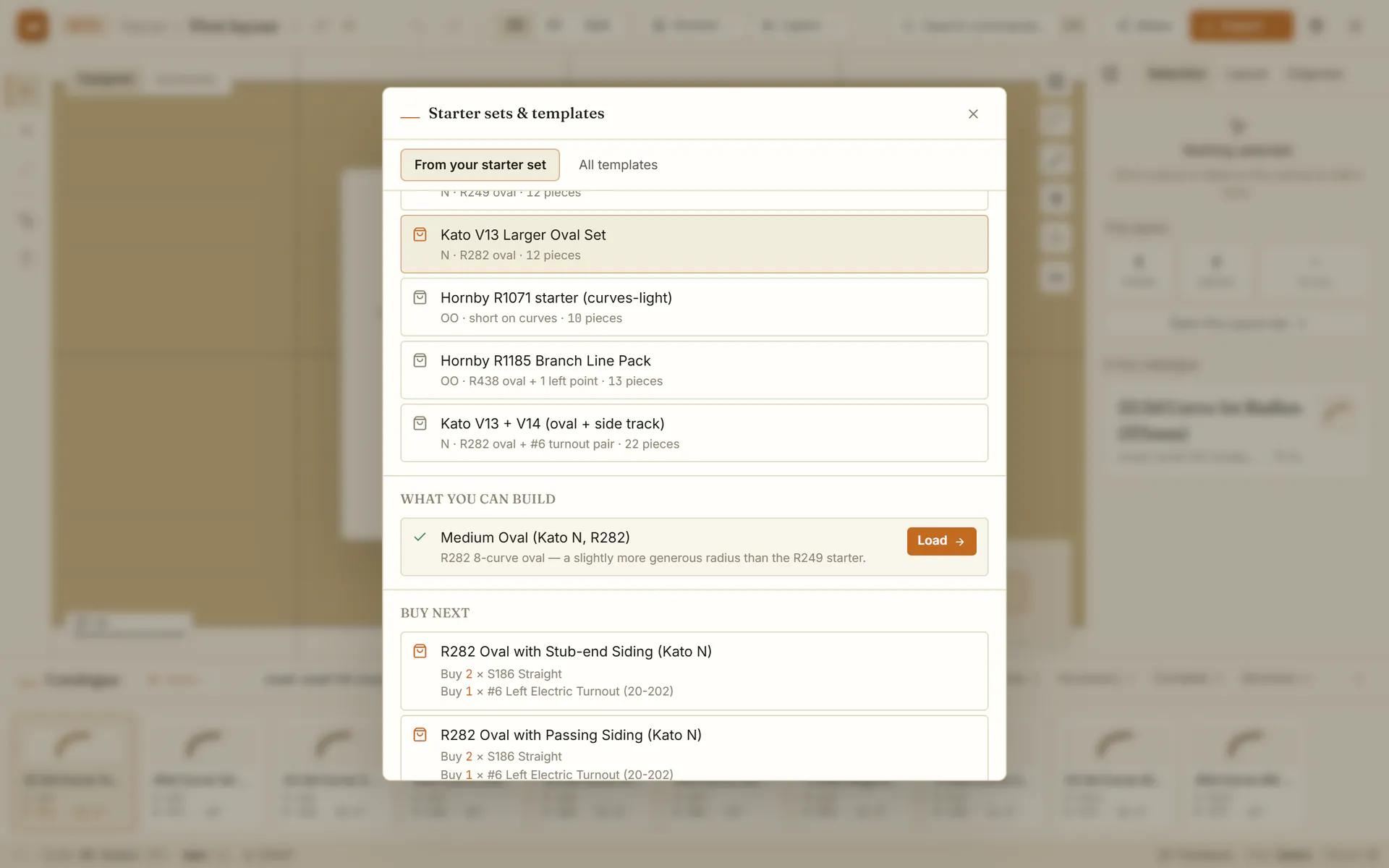
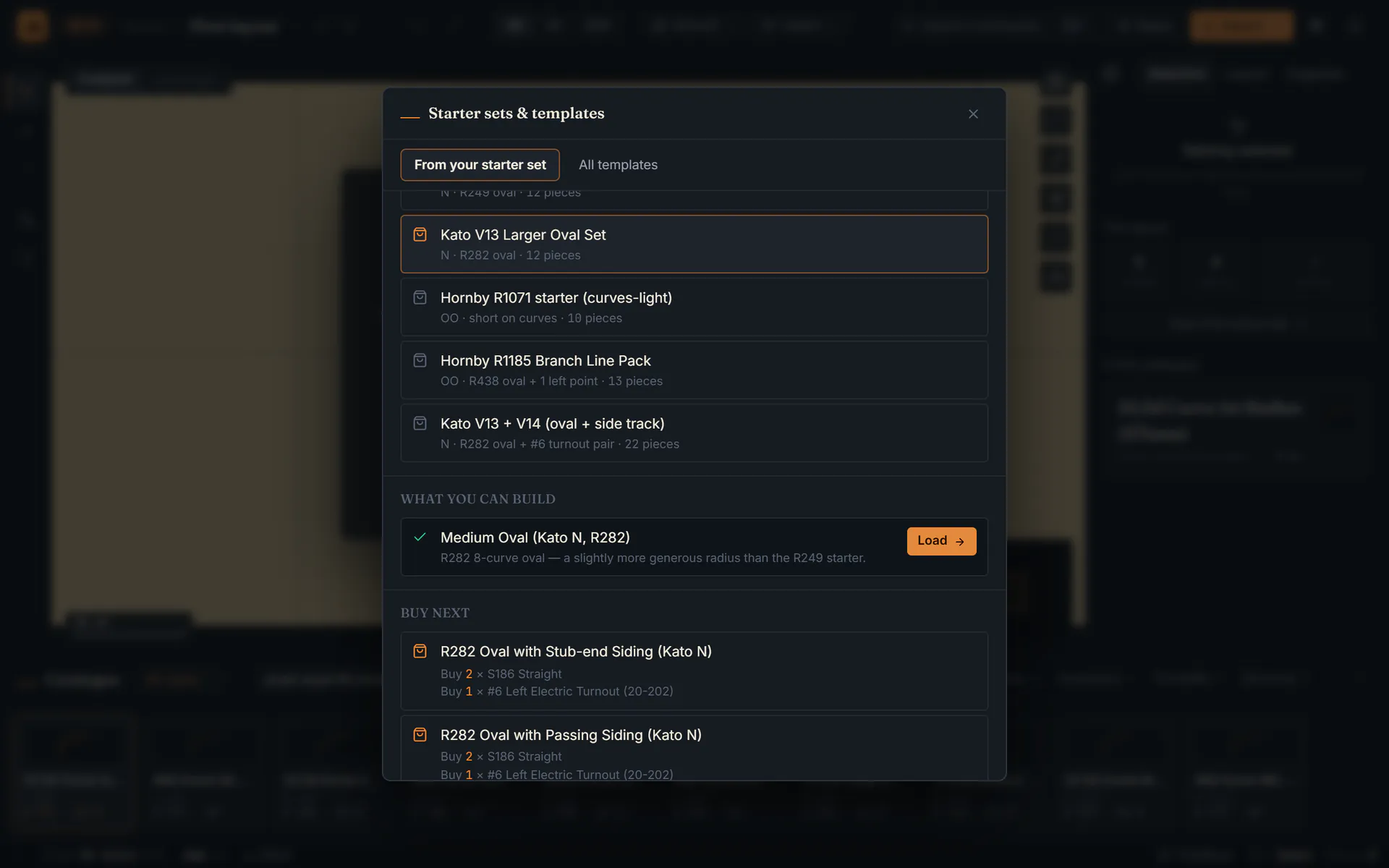
The picker lists these sets, each with the track inside the box:
| Set | Track |
|---|---|
| Hornby R1270M Valley Drifter, R1296M Smokey Joe | Hornby's 3rd-radius starter oval |
| Hornby R1255M Flying Scotsman, R1272M Freightmaster, R1289M BR High Speed Retro | The starter oval, plus Extension Pack A: a left-hand point and the track for a siding |
| Kato M1 Basic Oval Set (20-852) | An R315 oval |
| Kato V5 Inner Oval Set (20-864) | An R282 oval that fits inside the M1 |
| Kato V6 Outer Oval Set (20-865) | An R348 oval that fits round the M1 |
Every set builds a plan. Each Hornby train set builds its own starter oval, eight 3rd-radius curves with one straight on each side (about 1210 × 1040 mm), ready to load. The sets with Extension Pack A also build what the pack is for: the oval made longer, with the point on one side and the pack's straight on the other, and a stub-end siding running alongside to the buffer stop. That plan shows Plan coming soon, as the planner can't lay out points by itself yet. Under Buy next, the oval-only sets list the larger 3rd-radius oval (two more Standard Straights) and the siding plan, which wants exactly the track in Extension Pack A. Each Kato set builds its oval.
The picker takes one box at a time, so add-on packs that build nothing on their own, like Hornby's Extension Packs or Kato's turnout sets, aren't in it yet.
All templates
#The second view lists every pre-built plan, grouped by scale, whether or not you own the pieces. Each plan shows:
- what it needs (piece counts, e.g. "8× 2nd Radius Double Curve · 4× Standard Straight"),
- the catalogue cost of that shopping list, so you know what the plan costs before you commit ("from …" means some pieces had no catalogue price yet).
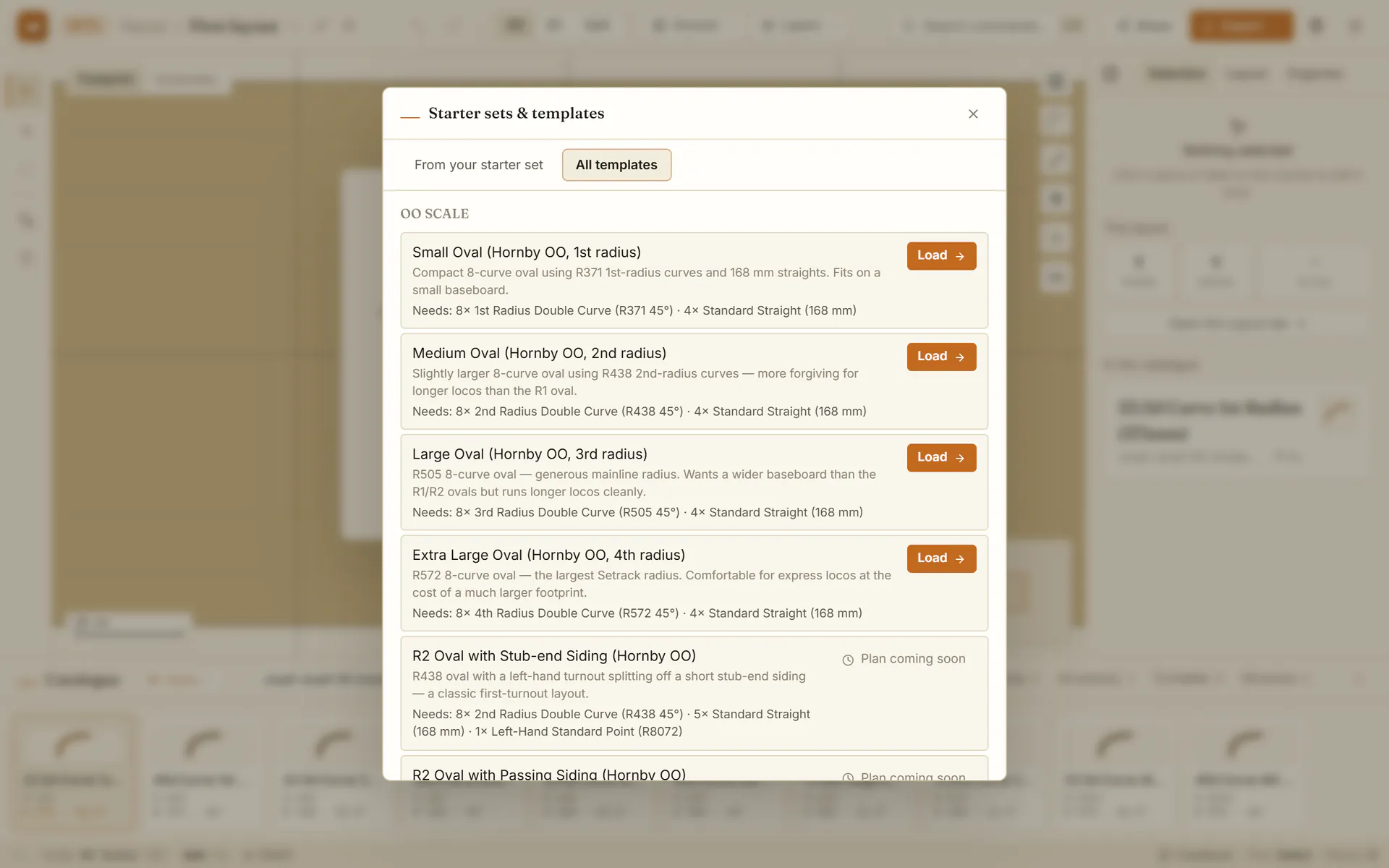
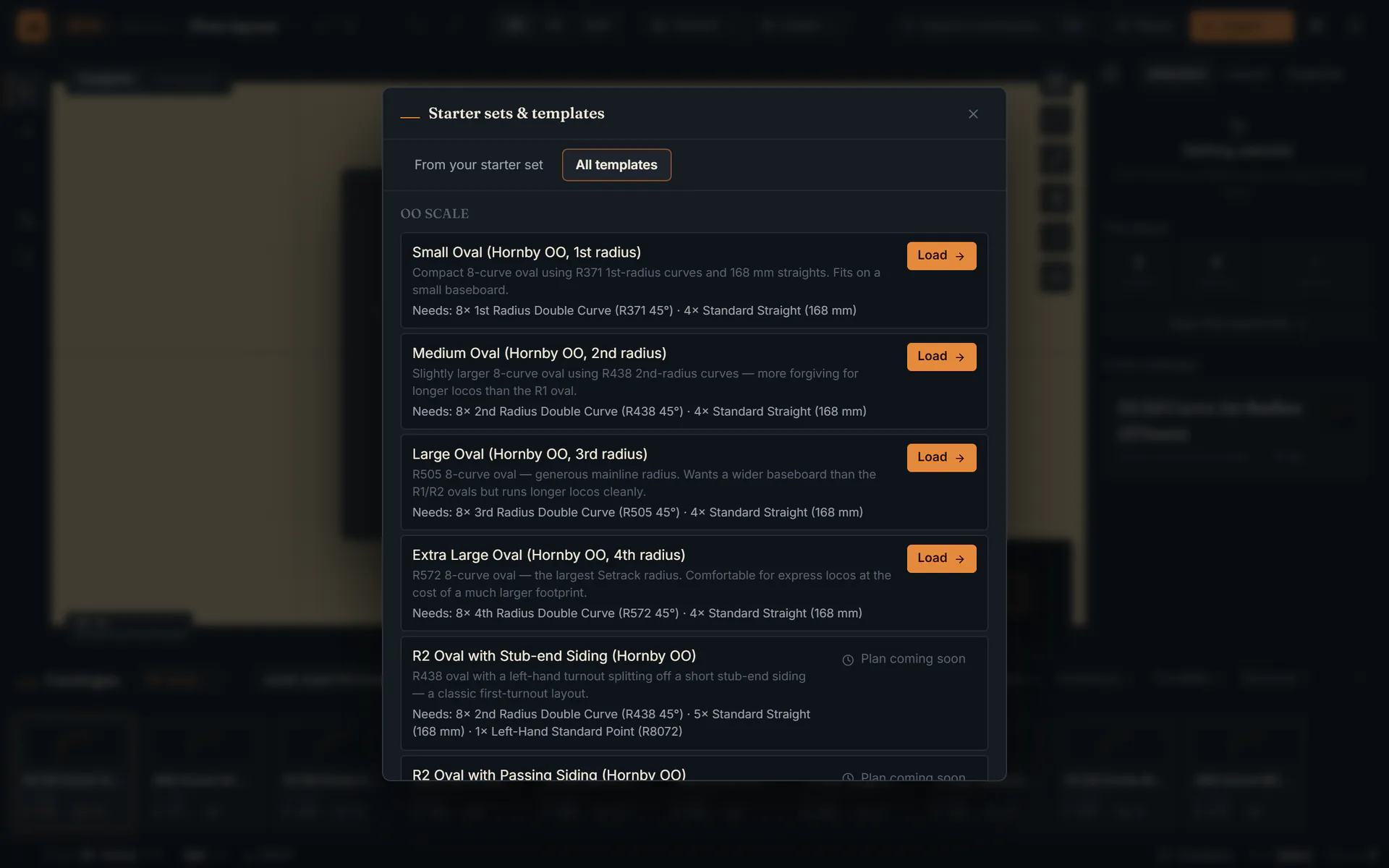
Load places the plan on your canvas — from there it's a normal layout: edit it, extend it, and check the bill of materials for the exact shopping list including what you already own.
A plan is laid in its own range: Hornby Setrack for the Hornby plans, Kato Unitrack for the Kato ones, even where another range makes pieces of the same shape (Peco Setrack and Jouef do Hornby's). The catalogue and the scale in the status bar move onto that range as the plan loads, so the next piece you pick joins it.
Loading a template replaces what's currently on the canvas, so start from an empty layout (or save first).
The board grows to fit the plan
#A new layout starts on a 200 × 100 cm board, and Hornby's 3rd- and 4th-radius ovals are deeper than that. If you haven't set the board's size, it grows when the plan loads: 200 × 120 cm for the 3rd-radius ovals, the starter oval among them, and 200 × 130 cm for the 4th-radius oval. A grown side comes out in whole 10 cm, at least 5 cm clear of the track's centre at each edge. The plan stays where it is, centred on the board, and a plan that already fits leaves the board alone.
A board you've sized yourself stays as you left it, whether you picked the size in the New layout dialog or changed it with the Boards tool. The plan goes on it as it is, and Baseboard bounds under Validation lists anything past the edge. Accepting the dialog's 200 × 100 cm counts as not having set it. If that's the table you really have, put the board back to that size with the Boards tool, and Baseboard bounds lists what doesn't fit.
Once grown, the board keeps its size if you load another plan. Change it whenever you like with the Boards tool.
A plan is checked against the train its curves are meant for. The Small Oval (Hornby OO, 1st radius) brings a small tank engine with three short wagons, the trains Hornby rates for 1st radius, and the Small Oval (Kato N, R249) brings a D51 with two coaches, the train in Kato's D51 starter set, which Kato rates for R249, so their curves aren't flagged as too tight. Every other plan is checked against its scale's own reference train. See templates that bring their own train. Loco-aware checks are Pro, free during the open beta.
What's in the library
#Today the library covers ovals and siding/stub variants for Hornby OO and Kato N, Hornby's train-set starter oval among them. Figure-8 and shelf-plan shapes are on the roadmap.