Bill of materials & owned-track pricing
- Gratuit
- Depuis la v0.7.0
Read the parts list for your layout and price only the track you still need to buy.
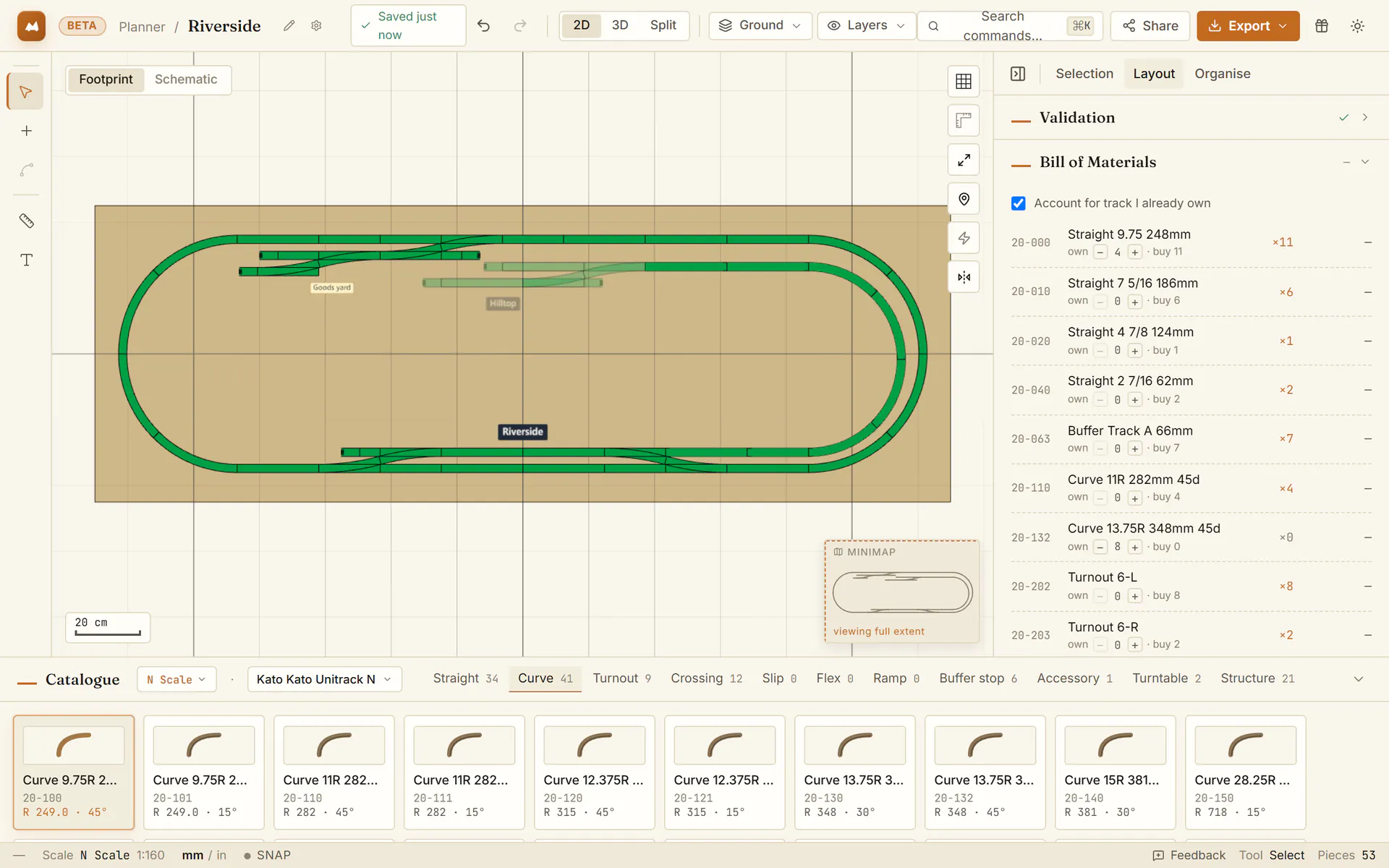
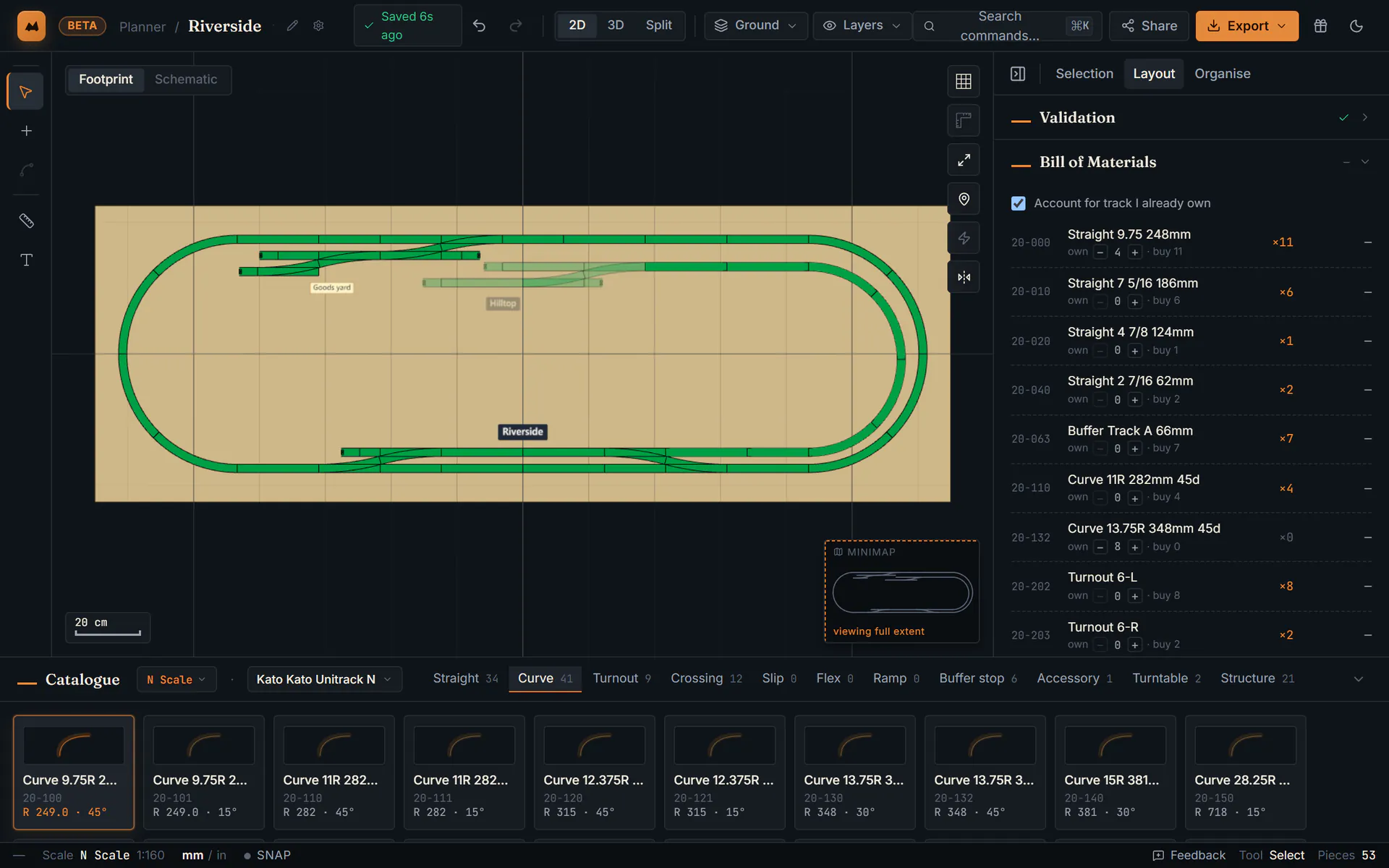
The Bill of Materials panel in the Inspector rolls your whole layout up into a shopping list: one line per catalogue piece, with the quantity placed, the unit price, and a line total. Totals are grouped by currency, so a layout mixing a GBP system and a EUR system shows both rather than fudging them into one number. A mixed-scale layout splits into a section per scale.
Pricing only what you still need
#Most people already own some track. The bill of materials accounts for that:
- Each row has a small −/+ stepper labelled own. Set it to how many of that piece you already have.
- The quantity column switches to show what's left to buy, and the line price drops to match.
- The panel total shows the net price, with the amount you've saved (the value of the track you own) next to it.
The Account for track I already own checkbox at the top of the panel flips the whole list between the net price (what's left to buy) and the full price (the entire layout). Turn it off any time to see the sticker price of the complete plan.
Where owned counts live
#Owned track is part of My track, not the individual layout, so the counts follow you from one layout to the next. The steppers here and the My track page are the same list, and the My track link under Account for track I already own opens it: My track is where to add a whole box, type in a pile of codes, or set counts before you've placed anything. It's saved on your device, so it works signed out and offline, and syncs with your account when you're signed in (the same collection the encyclopedia will use when it opens).
Owning more of a piece than a layout uses only ever credits what the layout needs — owning ten of a straight that appears twice subtracts two, never ten.
Once the encyclopedia opens, the trains you mark as owned there will join the same collection and drive validation against your trains. It hasn't opened yet.
Electronics for your signals
#When the layout's signals are wired to an Arduino, the parts that takes are listed under the track, unpriced: the boards and their driver chips, a resistor for each lamp grouped by value, the signals, a detector for each block a board reads, what each turnout needs (a contact, a servo, a relay, a switch for the panel), a 5 V supply for the servos, and terminals and wire. They're in the CSV too.
Exporting the list
#The Export CSV button at the bottom of the panel downloads the parts list as a spreadsheet-friendly file for shopping or record-keeping.